13 Oct 2025

turn off programmatic ads in Firefox
Previously: Goddammit, Mr. Noodle!
Remember when if you were into computers
it was a big deal to
get early access to some new thing, or line up to buy the new release?
Now the power
user tips are about how to keep your old thing working or turn some
new feature off. This time it’s programmatic
ads coming to the
New Tab page in Firefox, announced
at Advertising Week New York.
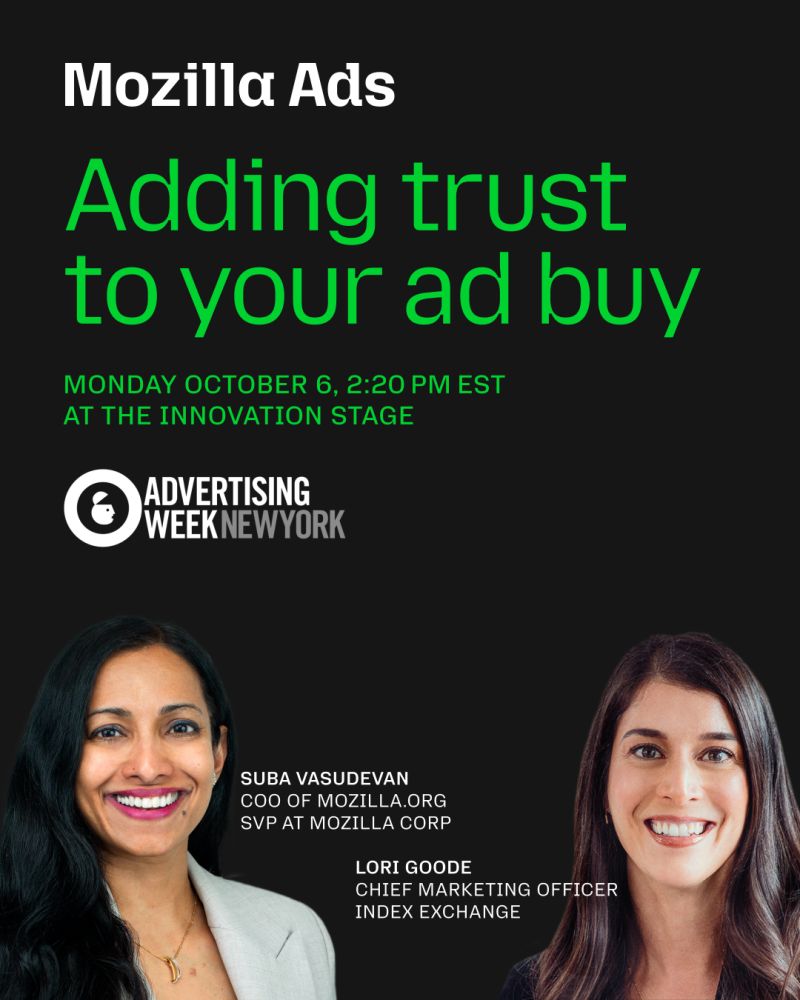
According to Mozilla, this has something to do with trust in the
platform
but, if you ask real Firefox users, this sounds like more
of the kind of shenanigans Mozilla keeps doing to erode trust.
Programmatic ads are a new risk that Mozilla is now asking users to take. Firefox is distributed under a license that, like most software licenses, disclaims liability.
Covered Software is provided under this License on an “as is” basis, without warranty of any kind, either expressed, implied, or statutory, including, without limitation, warranties that the Covered Software is free of defects, merchantable, fit for a particular purpose or non-infringing. The entire risk as to the quality and performance of the Covered Software is with You. Should any Covered Software prove defective in any respect, You (not any Contributor) assume the cost of any necessary servicing, repair, or correction. This disclaimer of warranty constitutes an essential part of this License. No use of any Covered Software is authorized under this License except under this disclaimer.
And, of course, if Mozilla’s adtech partner
serves
malvertising, they’ll use Section 230 to
avoid liability, too. Since the entire risk as to the quality and
performance of the Covered Software
is on me, I choose to limit my
malvertising risk. This could be a good question to ask of anyone who
makes a turn off your ad blocker
request. So, if I turn
off my ad blocker, are you offering me warranty protection from
malvertising? And are intermediary companies involved in
serving malvertising to me covered by Section 230?
So I updated my policies.json
to set the home and new tab pages to blank. In about:config
these are:
Set
browser.startup.homepagetochrome://browser/content/blanktab.html.Set
browser.newtabpage.enabledto false.
Remember, though, that if you do these in about:config
they only affect the current profile. In my experience it’s easy to
forget to do privacy/security settings for every new profile, and it’s a
hassle to make all users do their own accounts when the work can be done
once.
Bonus links
AI toys are all the rage in China—and now they’re appearing on shelves in the US too by Caiwei Chen. (I think I read this story already… “I Always Do What Teddy Says”)
Opt
Out October: Daily Tips to Protect Your Privacy and Security by
Thorin Klosowski, Lena Cohen, Christian Romero, Hayley Tsukayama, Bill
Budington, Rindala Alajaji, Yael Grauer, and Paige Collings. For the
month of October, we’ll update this post with new tips every weekday
that show various ways you can opt yourself out of the ways tech giants
surveil you.